After every scan
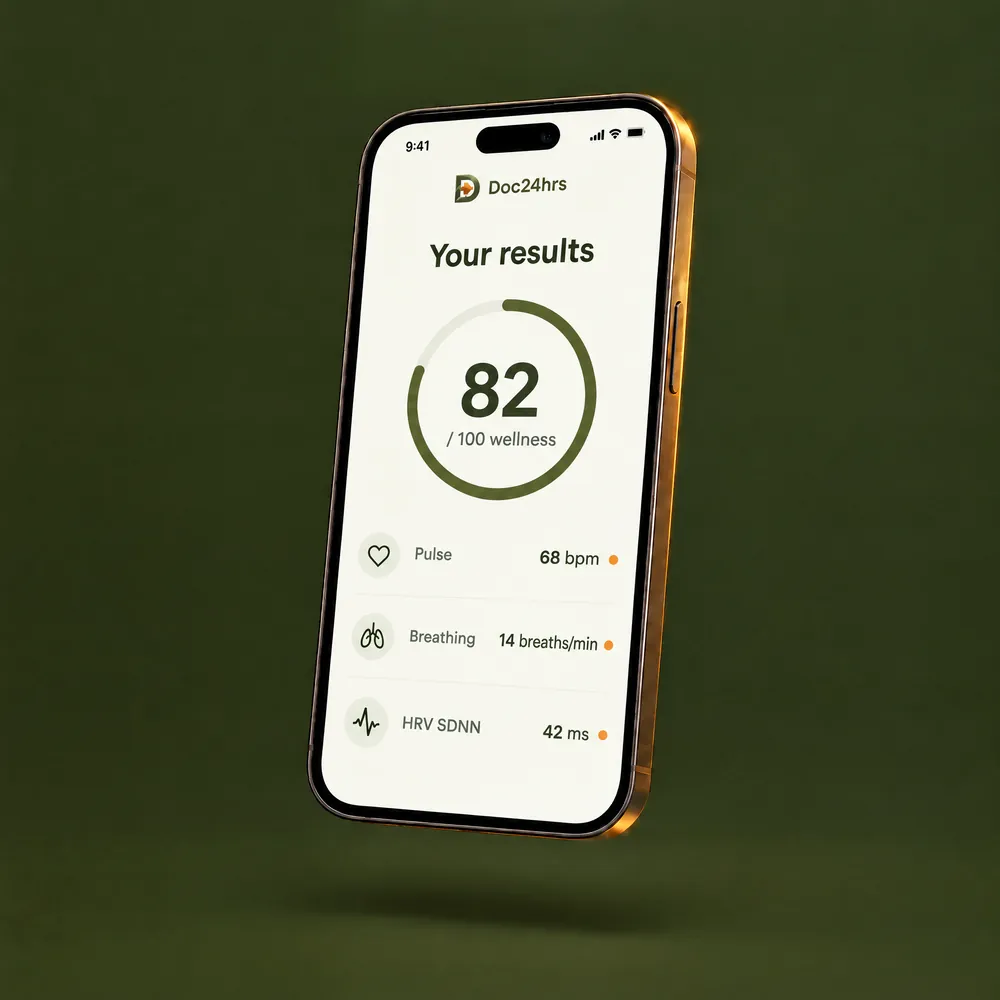
On the results screen
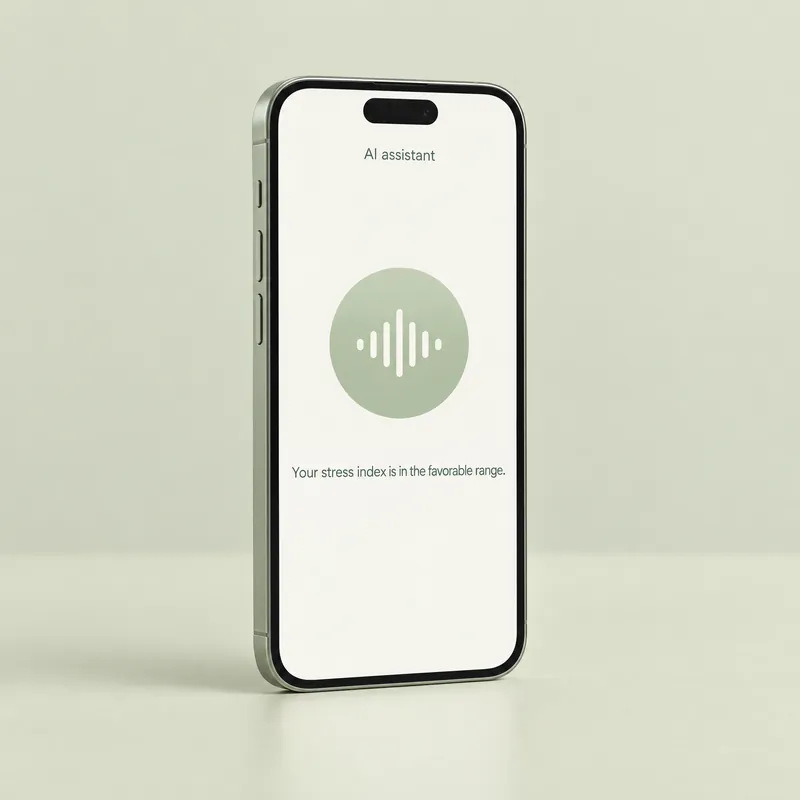
Your results, explained out loud. Ask her what any of them means.
An optional AI assistant with a video avatar and a voice. After each scan, she tells you what your wellness estimates mean in plain words, in English or Spanish.
See how she helpsOptional, and you can turn her off in Account
English or Spanish, in your app’s language
Not a person and not a doctor
A wellness score and a list of estimates can be a lot to take in. On the results screen, Naia explains your results in plain language, and you can ask her what any of them means.
She is on the results screen after every scan, including when you scan a family member on your plan.
She speaks the language you choose in the app. Talk to her in that same language.
You ask out loud and she answers by voice. There is no text box to type in.
If something she says seems wrong or out of place, tap “Report response” to let us know.
Your results, explained out loud. Ask her what any of them means.
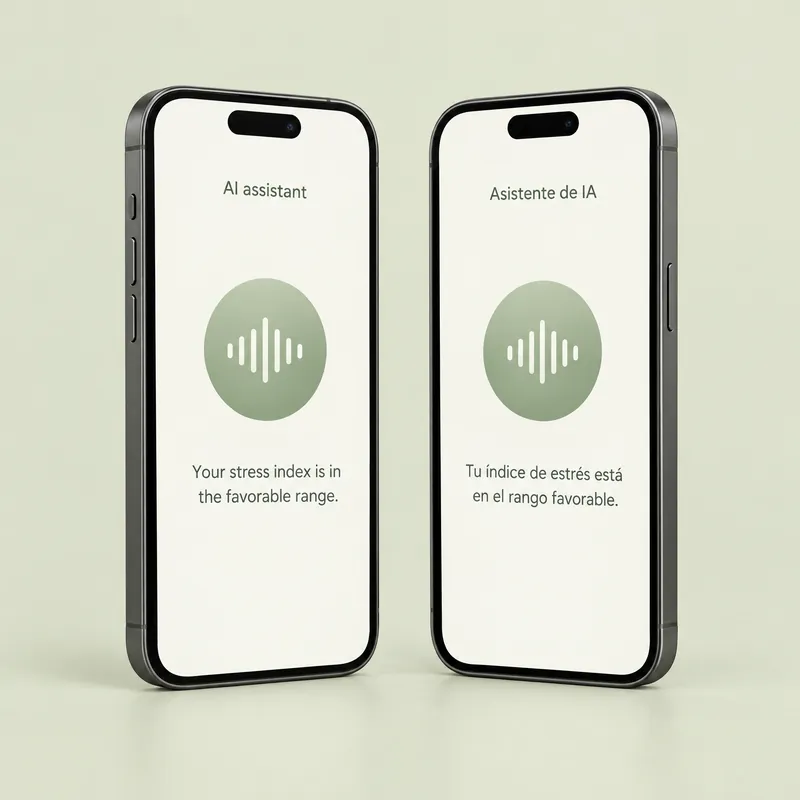
Pick English or Spanish in the app, and Naia speaks it too.
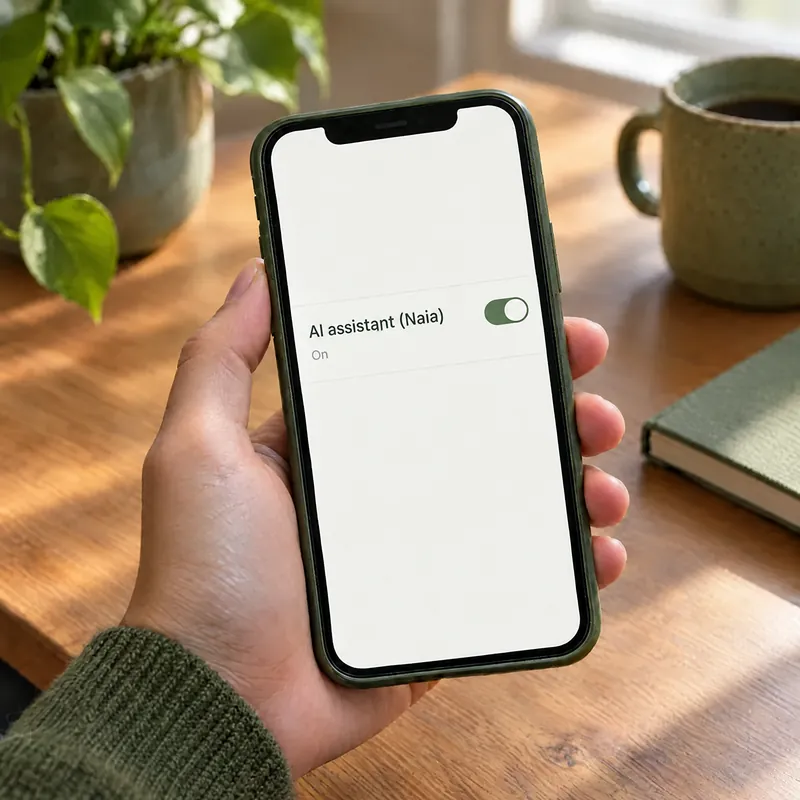
Only the account holder, 18 or older, can turn her on. Not ready? Tap “Not now” and keep scanning without her.
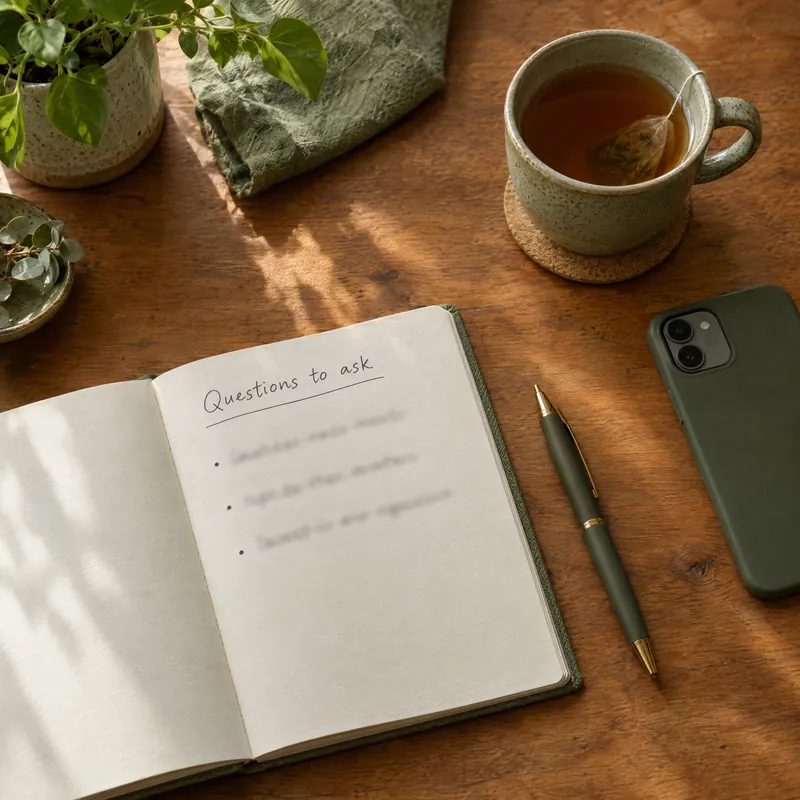
Naia can’t give medical advice or diagnoses. Write down your health questions to ask a healthcare professional.
Naia is optional. The scan and your results work without her.
Before she says a word, the account holder, 18 or older, accepts a separate permission that names the AI companies behind her, including some in Norway and China, and what they receive. When Naia is on, those companies get your voice, a transcript of what you say, the scan results on your screen and basic details such as the app language. The permission also covers the family members you scan, including teens 13 to 17. Your camera video stays on your phone and is not sent to them. Signals derived from it, with your profile answers, go to our scan provider, and data is stored and processed outside the U.S., including in Mexico.
What Naia receives
Three things to know before you talk with her.
Naia is an AI assistant, not a person or a doctor. She doesn’t give medical advice or diagnoses.
Like any AI, Naia can get things wrong, and your results are wellness estimates, not a diagnosis. Don’t rely on her for decisions about your health.
If you are in an emotional crisis or thinking about suicide, call or text 988, the Suicide & Crisis Lifeline. Help is available in Spanish. Naia is not for emergencies: in an emergency, call 911.
No. Naia is an AI assistant with a video avatar and a voice. Her answers come from AI, not from a person.
Understanding your results. On the results screen after every scan, she explains your results out loud, in plain language, and you can ask her about your wellness score or any estimate. She speaks English or Spanish, in the language you choose in the app.
No. The app does not send your camera video to Naia’s providers. They do receive your voice, a transcript of what you say and the scan results on your screen. The permission you accept lists what they receive and names the companies, including some in Norway and China.
For the scan itself, the camera video is processed on your phone and isn’t uploaded or stored. Signals derived from it, with your profile answers, go to our scan technology provider to compute your results. Doc24hrs stores and processes data outside the U.S., including in Mexico. Read the Privacy Policy.
No. Naia is optional. She starts only after you accept a separate permission, and only the account holder, 18 or older, can turn her on. If you tap “Not now”, you can keep using the app and scanning without her. You can turn her off anytime in Account.
No. She can’t book appointments, prescribe or connect you with a doctor, and she doesn’t give medical advice or diagnoses. Doctor consultations are not available in the U.S. For questions about your health, talk to a healthcare professional. In an emergency, call 911.