
Heart and breathing
Heart rate · breathing rate · HRV
Your phone’s front camera, in good light
Hold still for about 30 seconds
Wellness estimates, not a diagnosis
Nothing to wear and no needles. Just your phone.
Before your first scan, you answer a few questions: age, sex, height, weight, smoking, blood-pressure medication and diabetes. Risk estimates use your answers, and BMI and a few other body values are calculated from them.
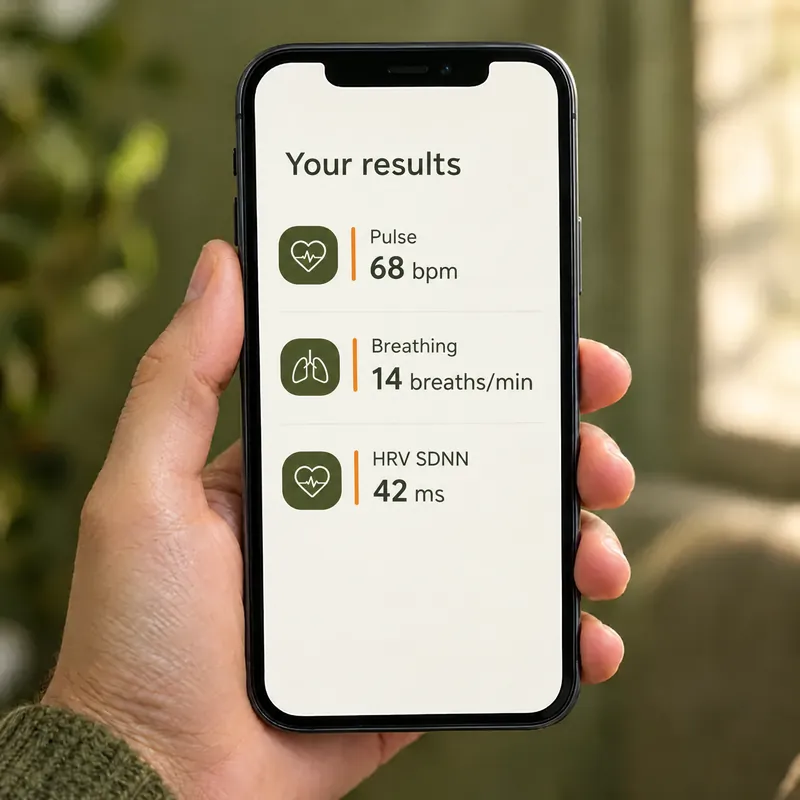
Use your phone’s front camera, with light falling evenly on your face. You also need an internet connection.
Frame your face and hold still for about 30 seconds. Your results appear when the analysis finishes.
Results are saved to the history of the person scanned, so you can see how they change over time. A scan counts toward your plan only when its result is saved. Your data is stored and processed outside the U.S., including in Mexico.
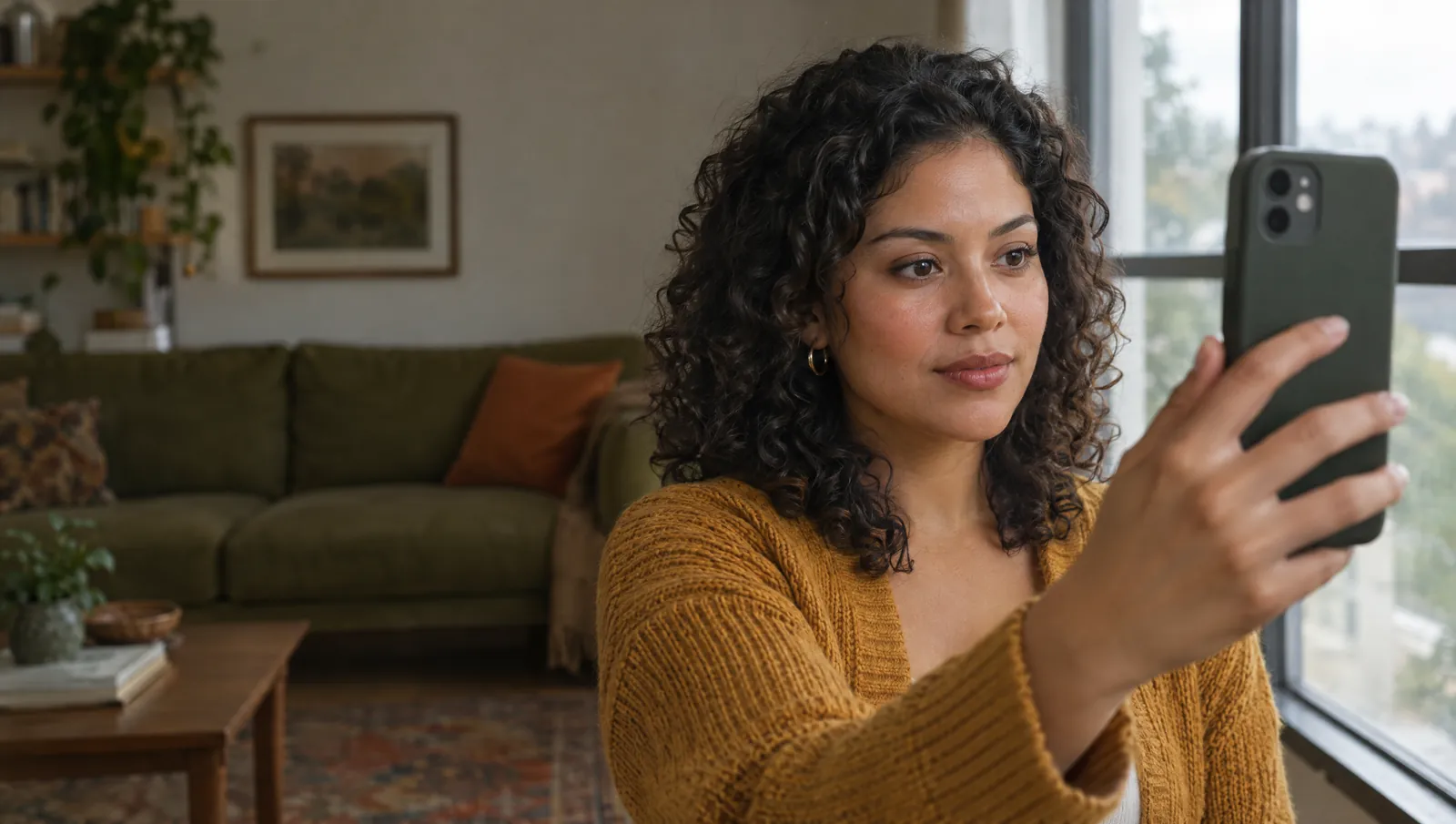
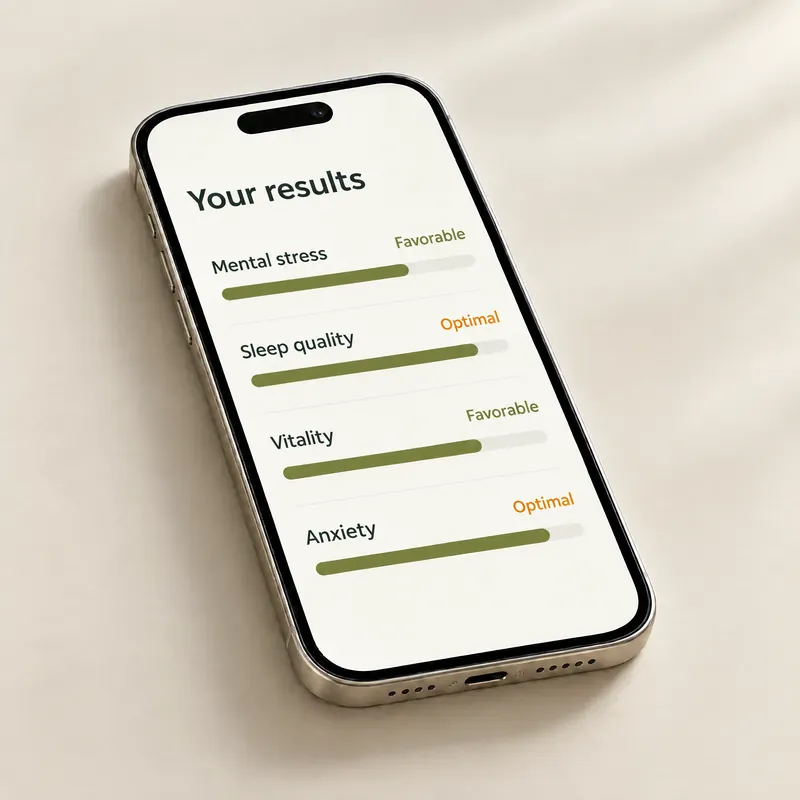
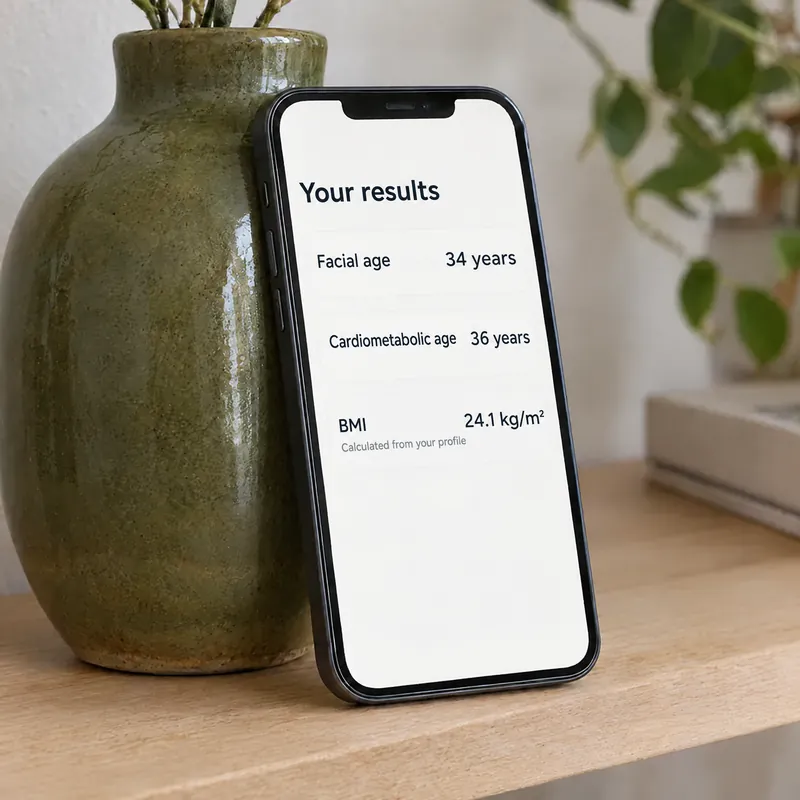
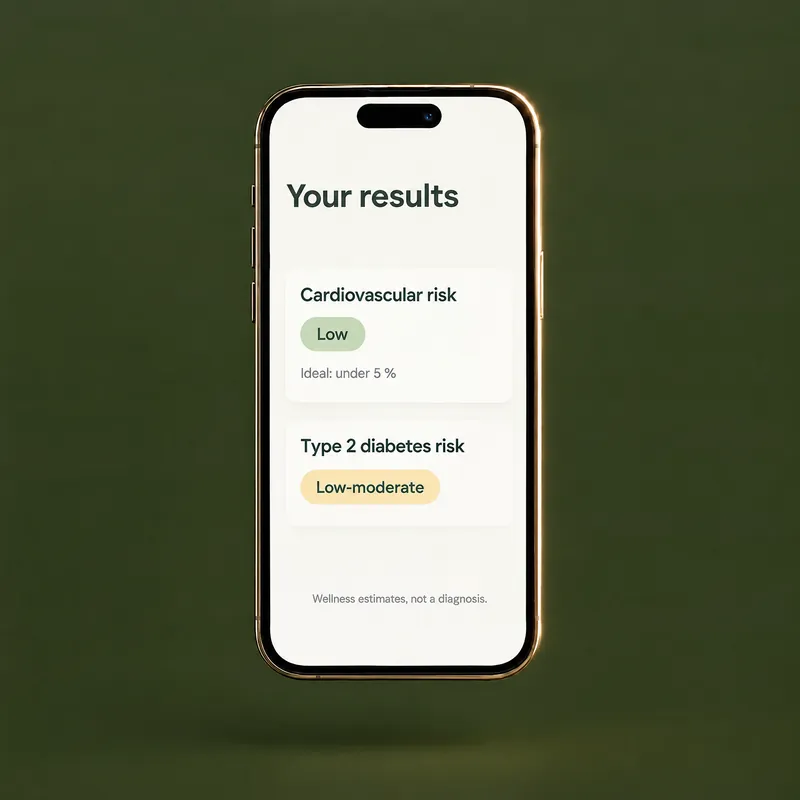
The main results of a scan. Values marked “Calculated from your profile” come from the answers you enter.
Which results appear depends on each scan. All of them are wellness estimates, not a diagnosis.
Body mass index from your height and weight, in feet, inches and pounds.
Open the calculatorCompare your waist with your height. The app also estimates this ratio from your profile.
Open the calculatorFive common training zones from your age and, if you know it, your resting pulse.
Open the calculatorEvery results screen in the app reminds you that these are wellness estimates, not a diagnosis. Our guide explains how to read them.
Read the article
Worth knowing before your first scan.
Results are wellness estimates, and they can be wrong. For questions about your health, talk to a healthcare professional.
Visit the guideDoc24hrs is a wellness tool. It does not diagnose, treat, cure or prevent any disease.
Terms of UseIf you think you may have a medical emergency, call 911. In a crisis, call or text 988, in English or Spanish.
Short answers about the scan. The support center has the rest.

Soft, even light on your face, such as a window or a lamp in front of you. Avoid a bright light or window behind you, which leaves your face in shadow. If you wear glasses, try taking them off, since lenses can catch reflections.
Yes. Your results are computed by our scan technology provider, so your phone needs to be online during the scan. Your data is stored and processed outside the U.S., including in Mexico.
No. The camera video is processed on your phone and is not uploaded or stored. To compute your results, signals derived from it go to our scan technology provider together with your profile answers. They are sent with a generic identifier, not your name or email.
Your data is stored and processed outside the U.S., including in Mexico. Read the Privacy Policy.
Adults 18 and older. Teens 13 to 17 can be scanned only on a parent’s Family plan, with the parent’s or guardian’s consent. Children under 13 can be on the Family plan but cannot be scanned.
Naia, the app’s optional AI assistant, can. She starts only after you accept a separate permission. After a scan, she explains your results out loud, in English or Spanish, in the language you choose in the app. She is not a person or a doctor, she can make mistakes and she does not give medical advice. Meet Naia.