Family plan
8 scans a month, shared by up to 5 people
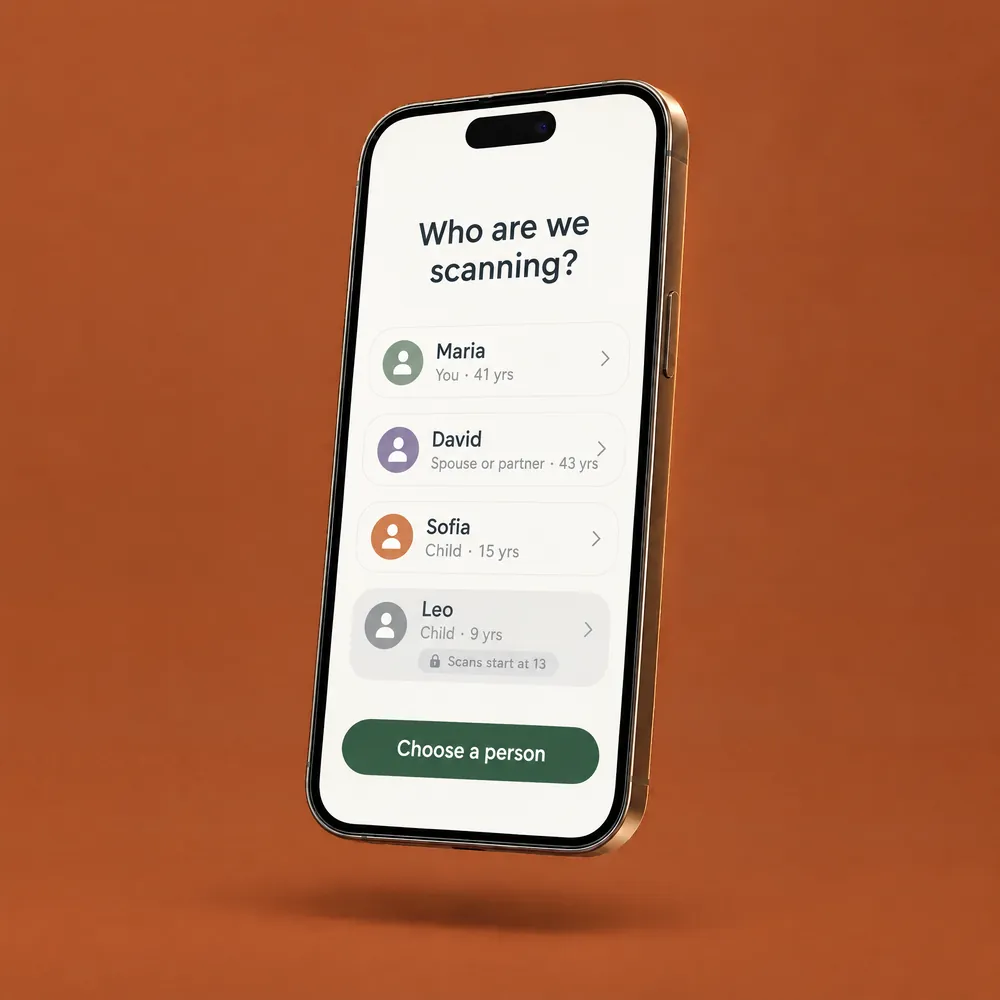
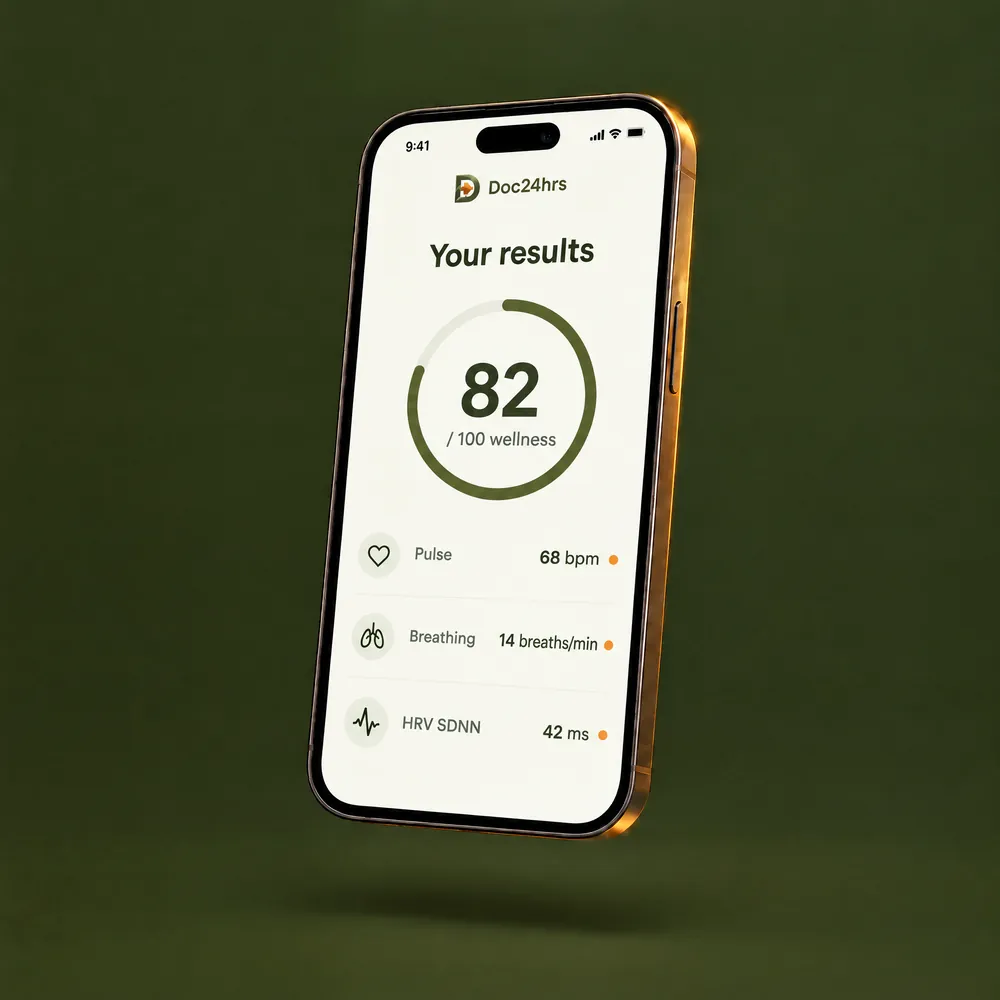
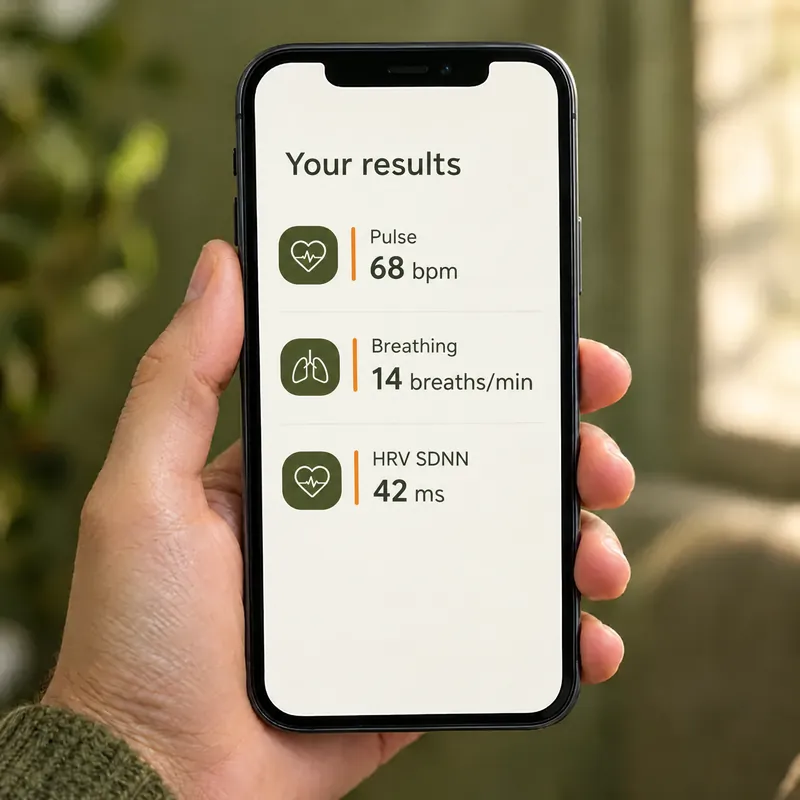
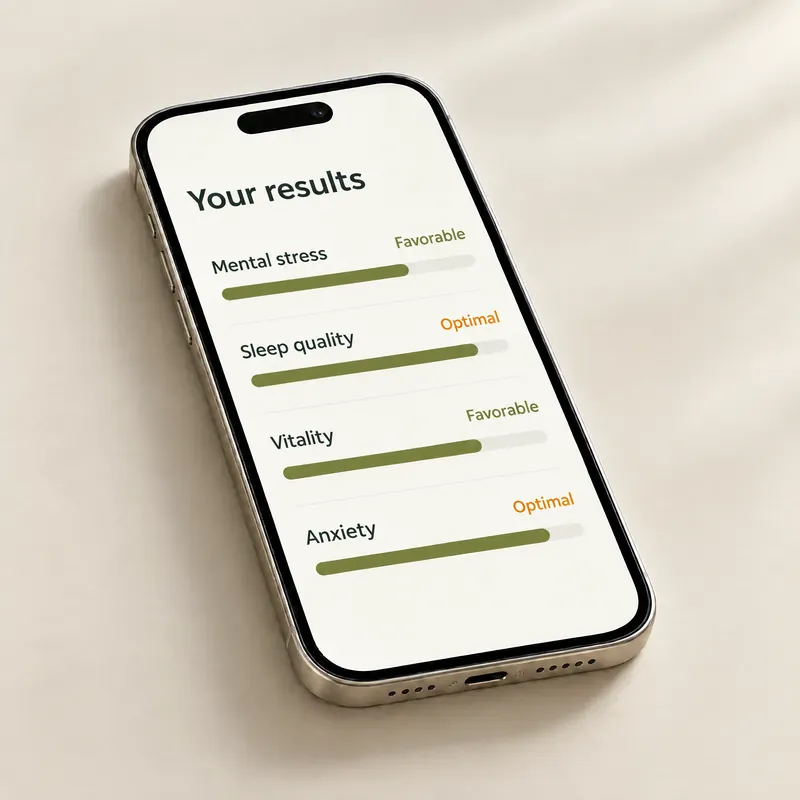
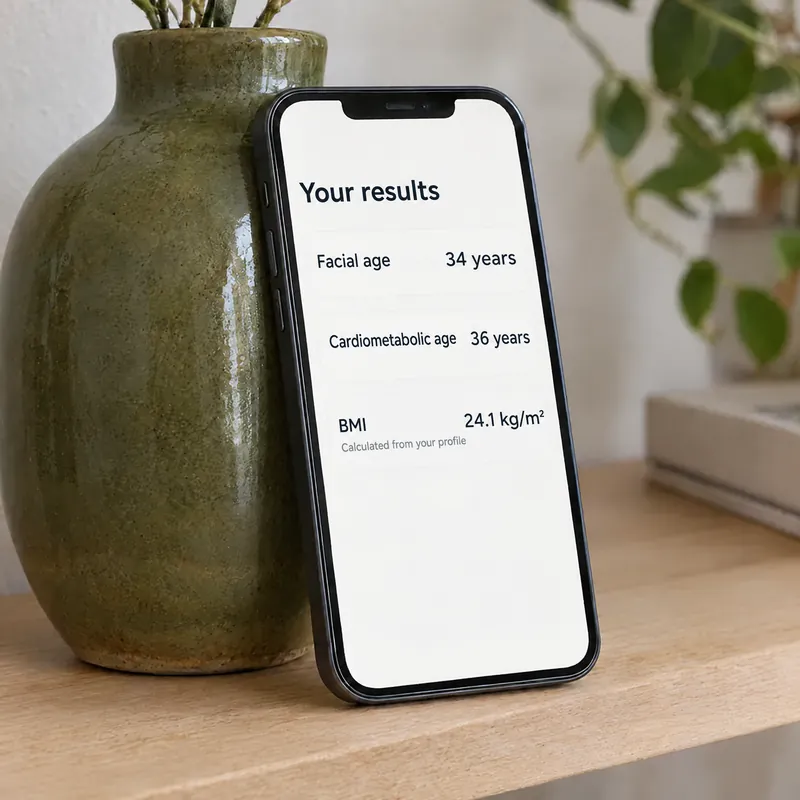
Look into your front camera for about 30 seconds and read your wellness estimates in plain words.
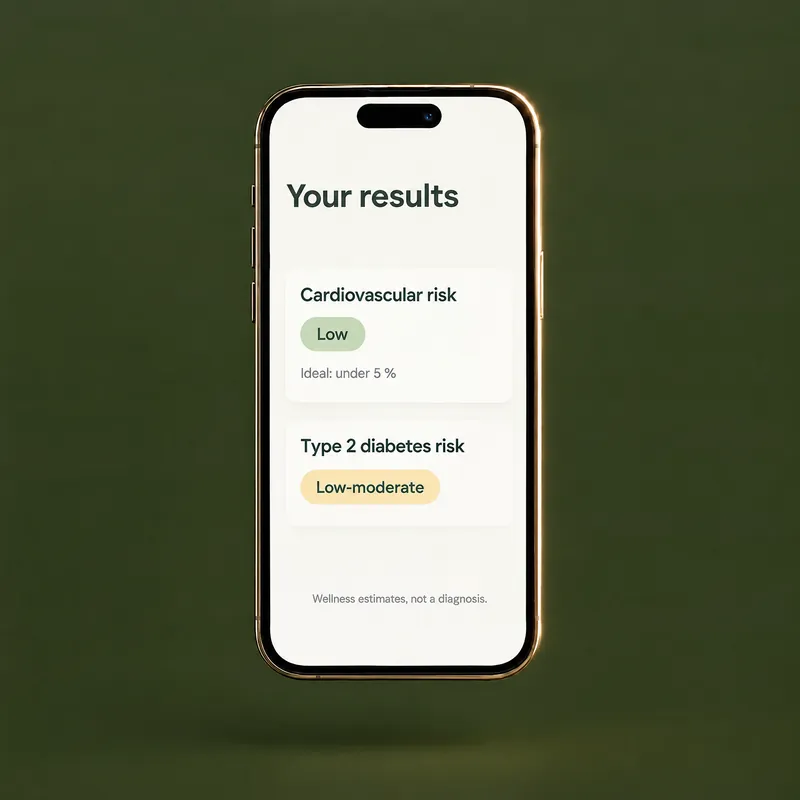
4 face scans a month for one person. Each scan gives you wellness estimates, which can include a wellness score from 0 to 100, heart rate, breathing rate, heart rate variability, stress, sleep quality, vitality, anxiety, facial age, cardiometabolic age and wellness risk estimates (probabilities, not lab values). Which results appear depends on the scan.
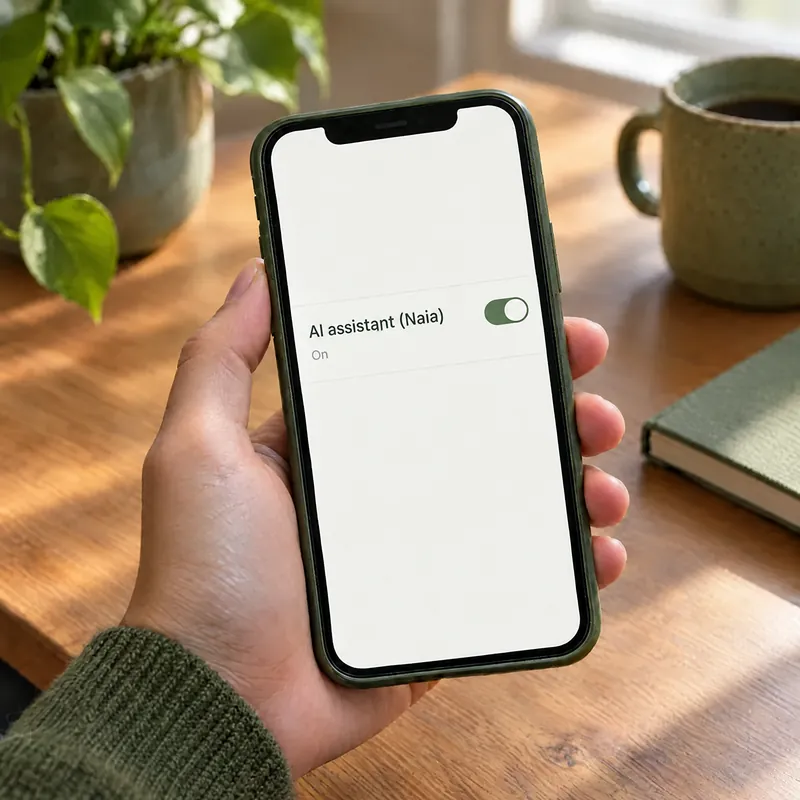
Some values, like BMI and waist-to-height, are calculated from the profile you enter. Each scan is saved to your history, and Naia, an optional AI assistant, can explain your results. Doctor consultations are not available in the U.S., and no plan includes them.
Only when its result is saved. A scan that fails doesn’t use one of your scans.
Your 4 included scans reset every billing period and don’t roll over. Extra scans are used only after the included ones run out.
The plan is monthly and renews automatically until you cancel in your App Store or Google Play settings.
Deleting your Doc24hrs account does not cancel your subscription, so cancel it in the store settings as well. Membership help
The price is shown in the app and in the App Store or Google Play before you buy. Doc24hrs is coming soon to iPhone and Android.
You must be 18 or older to create an account and buy a plan. The Individual plan is for one person. To share scans with a spouse or partner and your children, see the Family plan.
Before you buy, read the Membership Terms and the Terms of Use. Doc24hrs is a wellness tool, not a medical device. Not for emergencies: call 911.
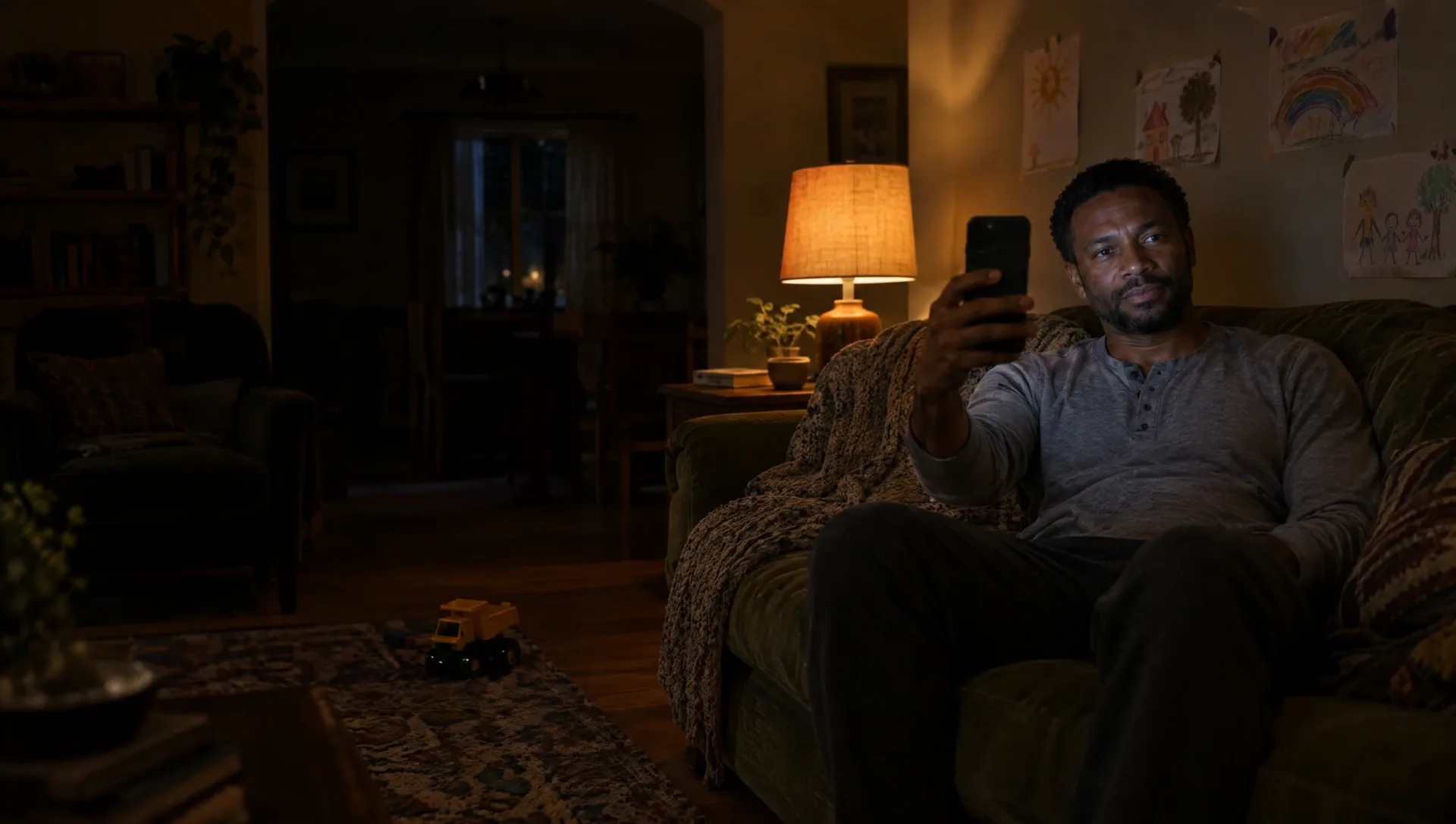
Every results screen reminds you that these are wellness estimates, not a diagnosis.
Read the Privacy Policy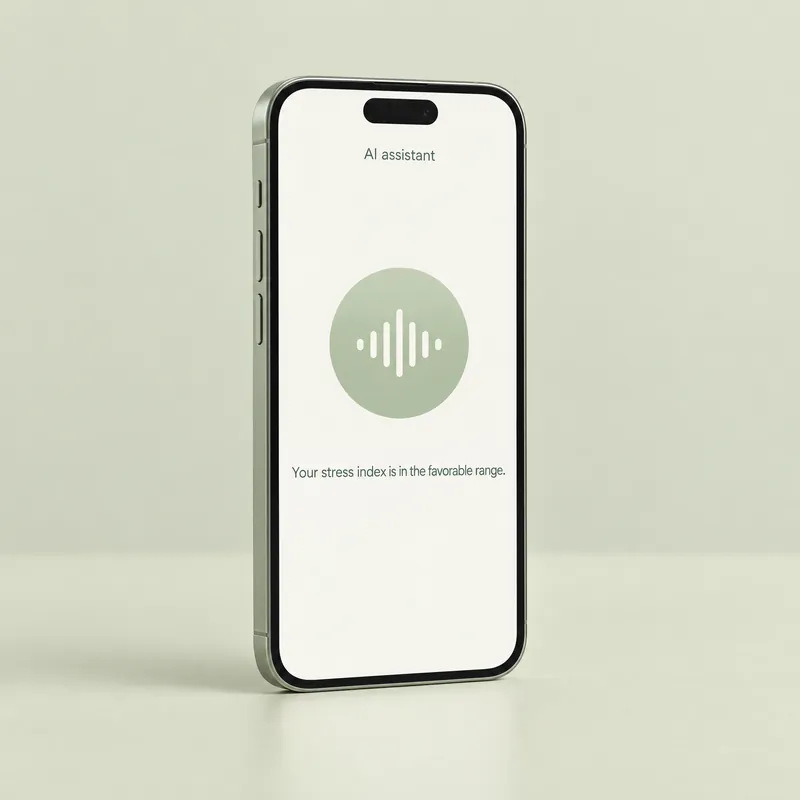
An optional AI assistant with a video avatar and a voice. After a scan, she explains your results in plain language. She is not a person or a doctor, and she can make mistakes.
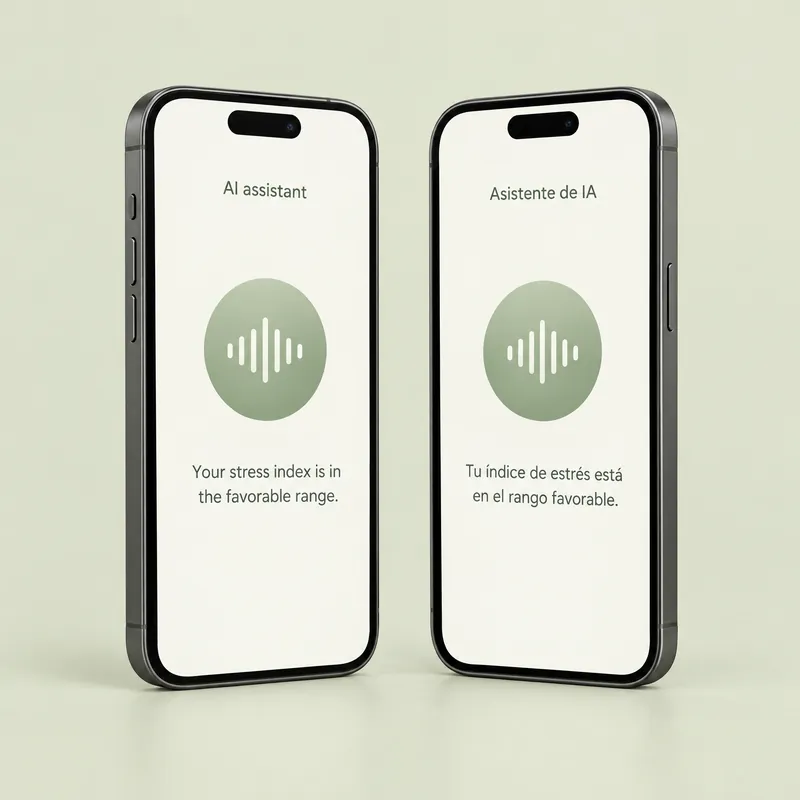
The app comes in both languages, with U.S. units (pounds, feet and inches, °F). Naia speaks and listens by voice in the language you choose in the app, one language at a time.
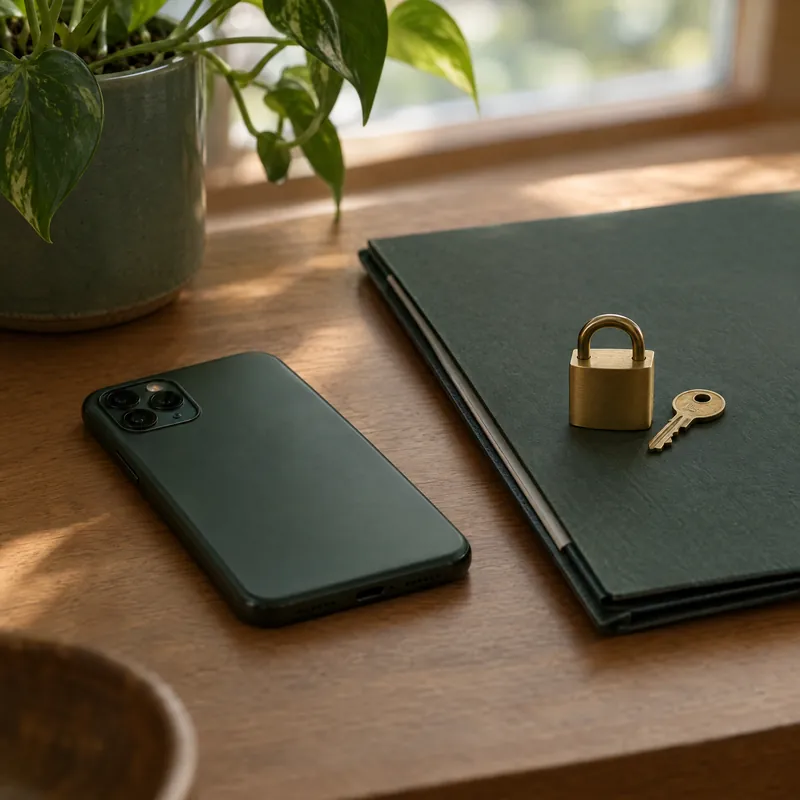
The camera video is processed on your phone and isn’t uploaded. Signals derived from it, with your profile answers, go to our scan provider, and data is stored outside the U.S., including in Mexico.
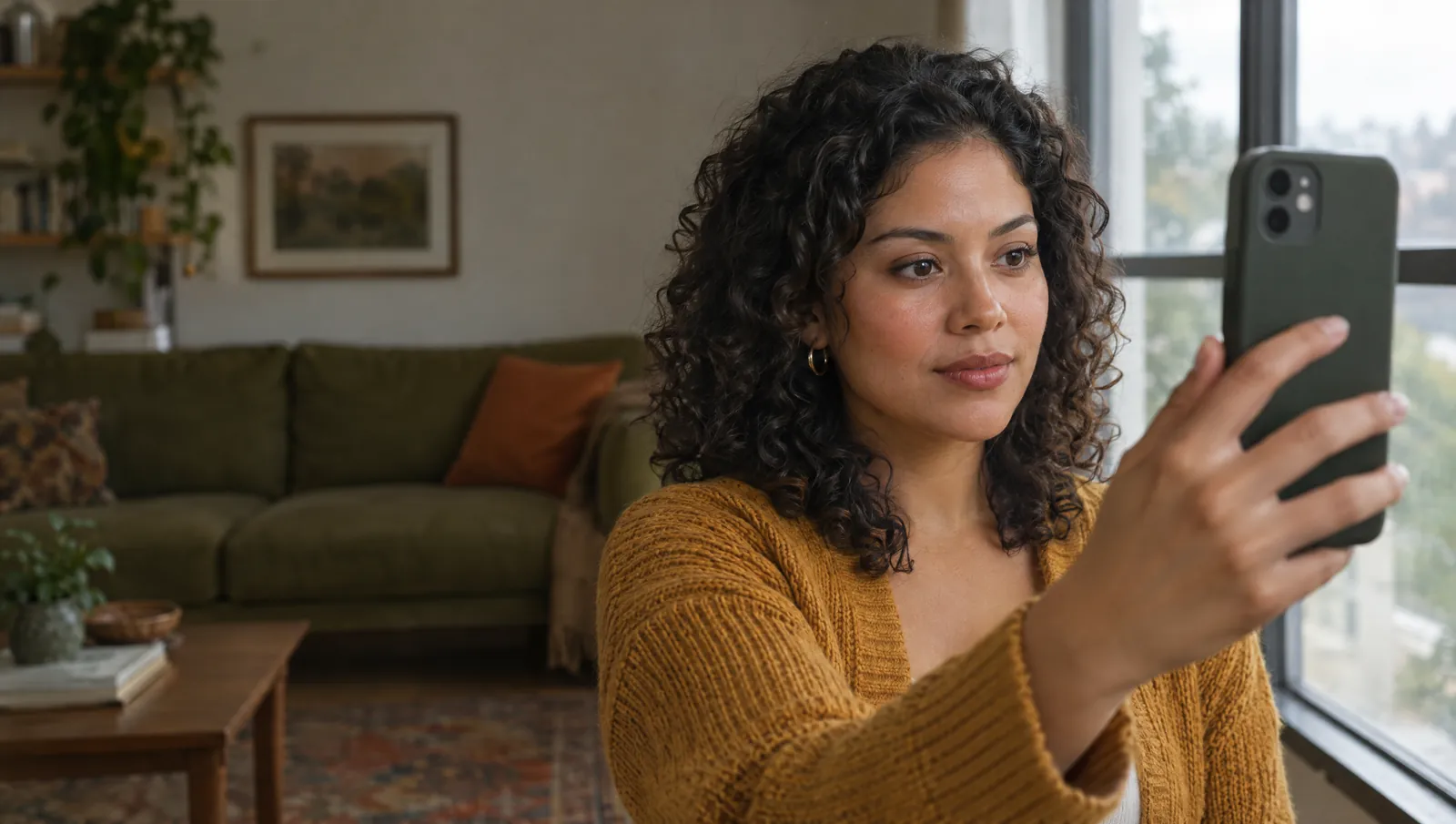
No appointment and nothing to wear. Just your phone, good light and an internet connection.
Create an account first. You must be 18 or older.
Answer a few profile questions once. Then find good light, frame your face and hold still for about 30 seconds.
See your wellness estimates. A scan counts only when its result is saved.